Educational Game Prompts

A collection of browser-based educational games generated with single prompts.
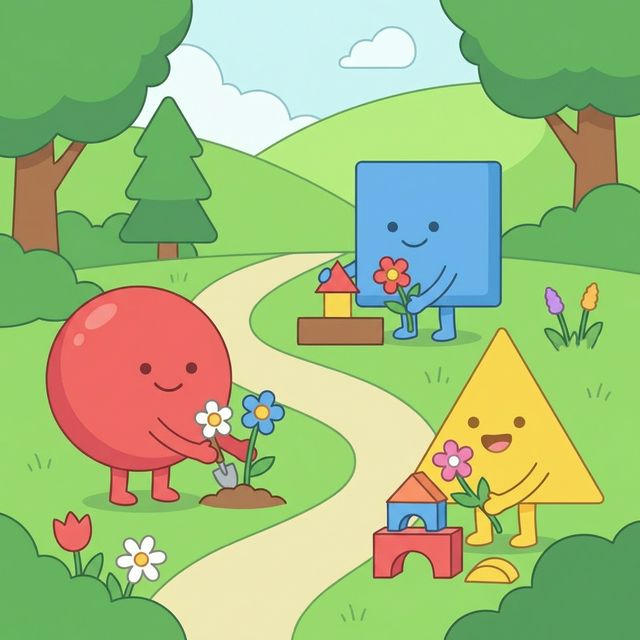
Shape Garden Builder
Early Years (3-5)

Shape Garden Builder

A gentle exploration game for recognising and classifying basic 2D shapes (Circle, Square, Triangle).

Play Game
Prompt
You are an expert front end educational game developer. Your task is to build a browser based, touch friendly Early Years maths game called Shape Garden Builder. Target age: 3 to 5. Learning objective: recognise and classify basic 2D shapes. Interaction philosophy: The game must not be quiz based. Children should explore by dragging and sorting shapes. There must be no multiple choice questions and no text based question screens. Design requirements: Large colourful shapes. Large drop zones. Minimal text. Clear visual feedback through animation or colour change. Gentle correction when incorrect. Technical constraints: Output a single self contained HTML file with embedded CSS and JavaScript. Use pointer events for mouse and touch compatibility. Optimised for tablet landscape layout. No external libraries. Start with three shapes only and one matching area per shape. Focus on classification and exploration rather than questions.
Number Bond Builder
KS1 (5-7)

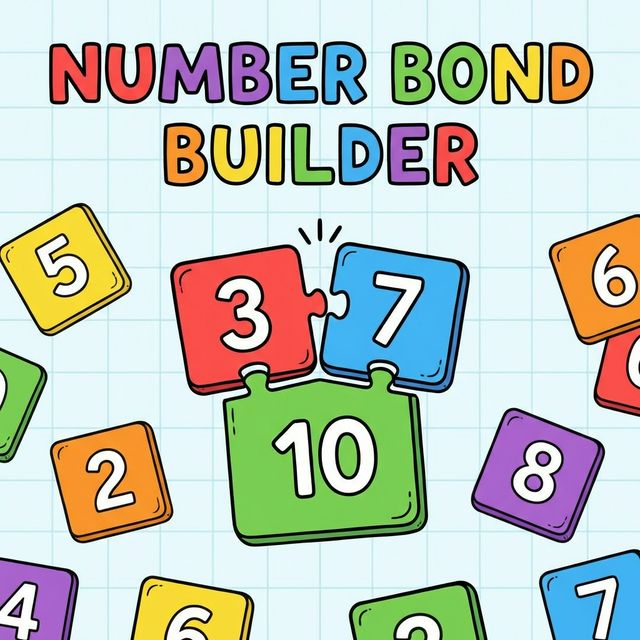
Number Bond Builder

Constructing number bonds to 10 using tiles. Visual and interactive.

Play Game
Prompt
You are an expert front end educational game developer. Create a browser based KS1 maths game called Number Bond Builder. Target age: 5 to 7. Learning objective: develop understanding of number bonds to 10. Interaction philosophy: Children construct combinations physically. No multiple choice questions. No worksheet style question screens. No answer typing. Design requirements: Large number tiles. Two clearly defined slots representing parts. Visual display of the whole. Immediate visual confirmation when the total matches the target. Encourage experimentation with different combinations. Technical constraints: Single self contained HTML file. Embedded CSS and JavaScript. Touch friendly pointer events. Clean uncluttered layout.
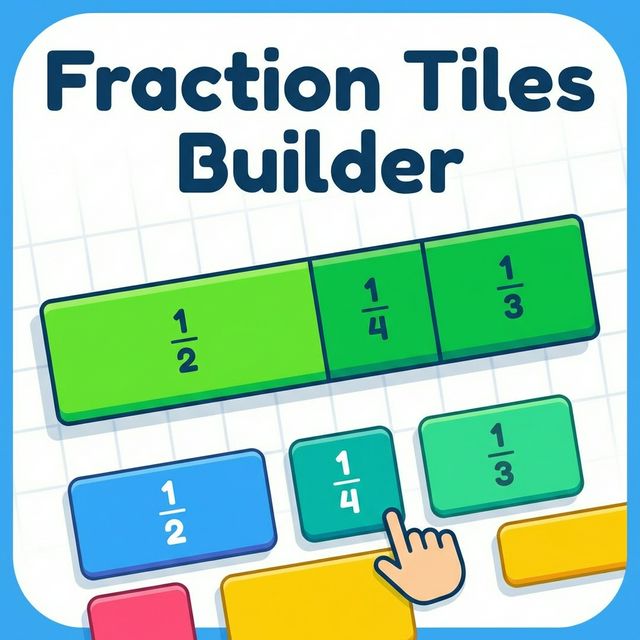
Fraction Tiles Builder
KS2 (7-11)

Fraction Tiles Builder

Understanding fractions as parts of a whole using interactive bar models and tiles.

Play Game
Prompt
You are an expert front end educational game developer. Build a browser based KS2 interactive fraction game called Fraction Tiles Builder. Target age: 7 to 11. Learning objective: understand fractions as parts of a whole using visual models. Interaction philosophy: Players must construct fractions through manipulation. No quiz questions. No text heavy explanation. No multiple choice. Design requirements: A clear visual bar model representing one whole. Large draggable fraction tiles such as 1/4 or 1/2. Visual filling of the bar as tiles are added. Clear feedback if the total exceeds one whole. Celebration animation when correct. Technical constraints: Single self contained HTML file. Embedded CSS and JavaScript. Use pointer events. Touch friendly layout suitable for tablets. No external libraries.
Algebra Balance Lab
KS3 (11-14)

Algebra Balance Lab

Solve linear equations by manipulating blocks on a balance scale. Visualizes equality.

Play Game
Prompt
You are an expert front end educational game developer. Create a browser based interactive maths game for KS3 called Algebra Balance Lab. Target age: 11 to 14. Learning objective: understand solving linear equations through balance. Interaction philosophy: Students manipulate objects to maintain equality. No quiz format. No answer input boxes. No symbolic solution typing. Design requirements: A visual balance scale. Blocks representing constants and unknowns. Ability to remove identical blocks from both sides. Scale tilts visibly when unequal. Clear visual moment when x is isolated. Technical constraints: Single self contained HTML file. Embedded CSS and JavaScript. Touch friendly drag and tap interaction. No external libraries.
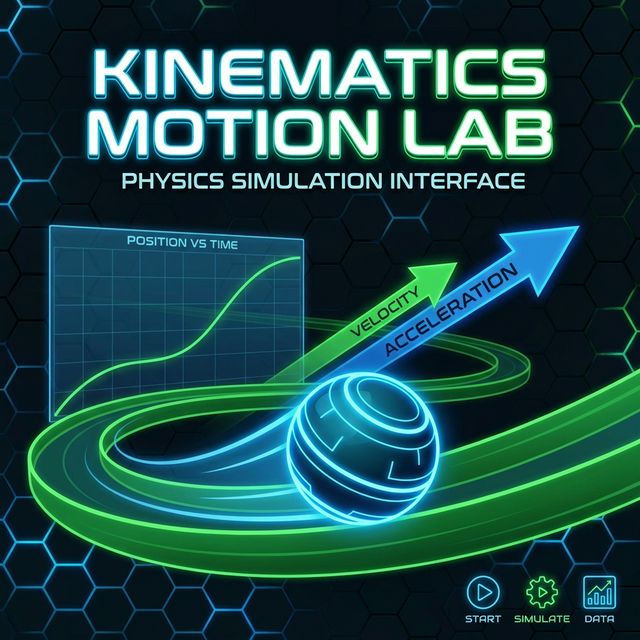
Kinematics Motion Lab
KS5 (16-18)

Kinematics Motion Lab

A Level Physics simulation for exploring position, velocity, and acceleration graphs.

Play Game
Prompt
You are an expert front end educational simulation developer. Create a browser based interactive A Level Physics simulation called Kinematics Motion Lab. Target age: 16 to 18. Learning objective: explore relationships between position, velocity and acceleration under constant acceleration. Interaction philosophy: Students explore parameter changes. No exam style questions. No required numeric answers. Focus on modelling and visualisation. Design requirements: Touch friendly sliders for initial velocity and acceleration. Animated particle motion on screen. Live updating position time graph. Live updating velocity time graph. Live updating acceleration time graph. Clear colour differentiation between graphs. Technical constraints: Single self contained HTML file. Embedded CSS and JavaScript. Use canvas for animation and graphing. Optimised for tablet and laptop use. No external graphing libraries. Start with constant acceleration only and a single particle.